Removing a bank card
To remove a bank card from your personal account, you need to:
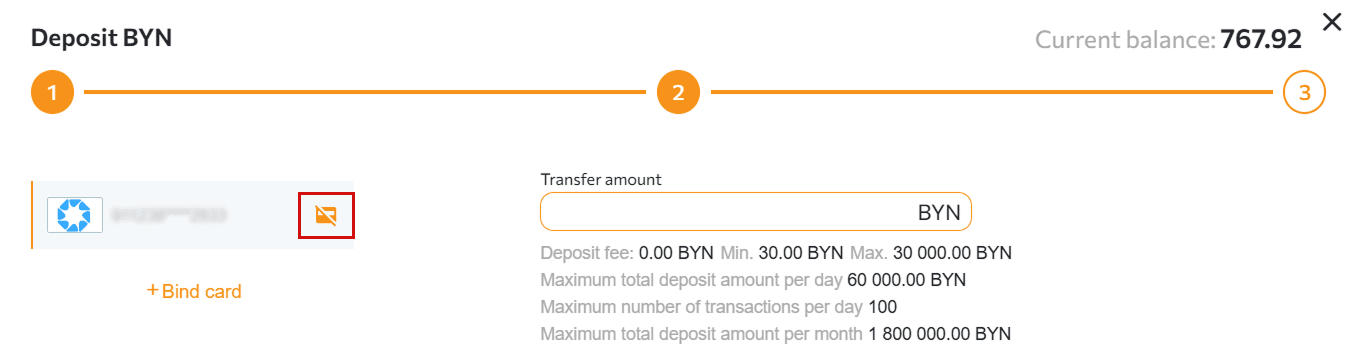
Go to the “Wallets” section, click the “+ Deposit” or “Withdraw” tab, select “BePaid”, then select the card you want to unlink. To do this, click the “Unlink card” icon in the upper-right corner of the card number.
Still have questions? Email us at support@tradex.by or submit a ticket in your TRADEX personal account through the “Help” section.