Replenishment by international bank (SWIFT) transfer
To replenish your personal account by international bank (SWIFT) transfer, you need to:
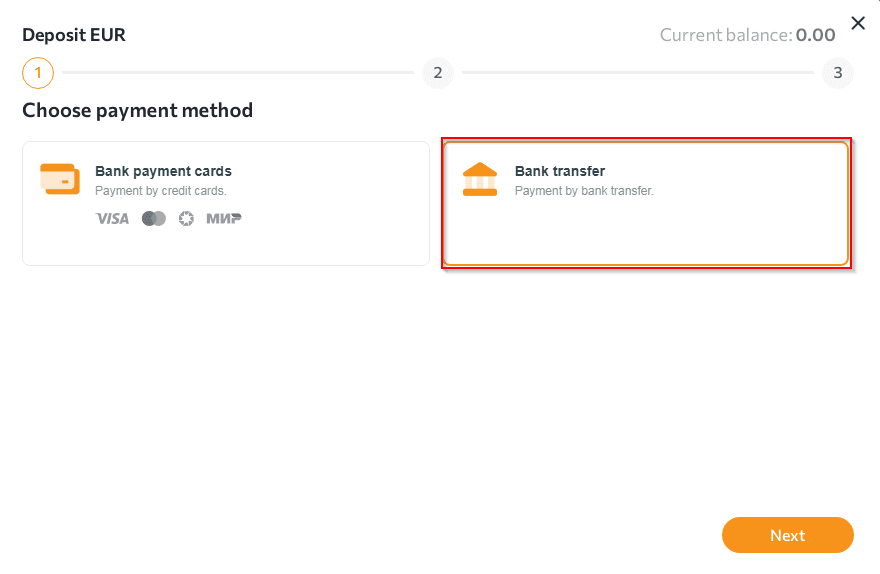
- Go to the "Wallets" section, select the required currency, click on the "+Deposit" tab and select "Bank transfer".
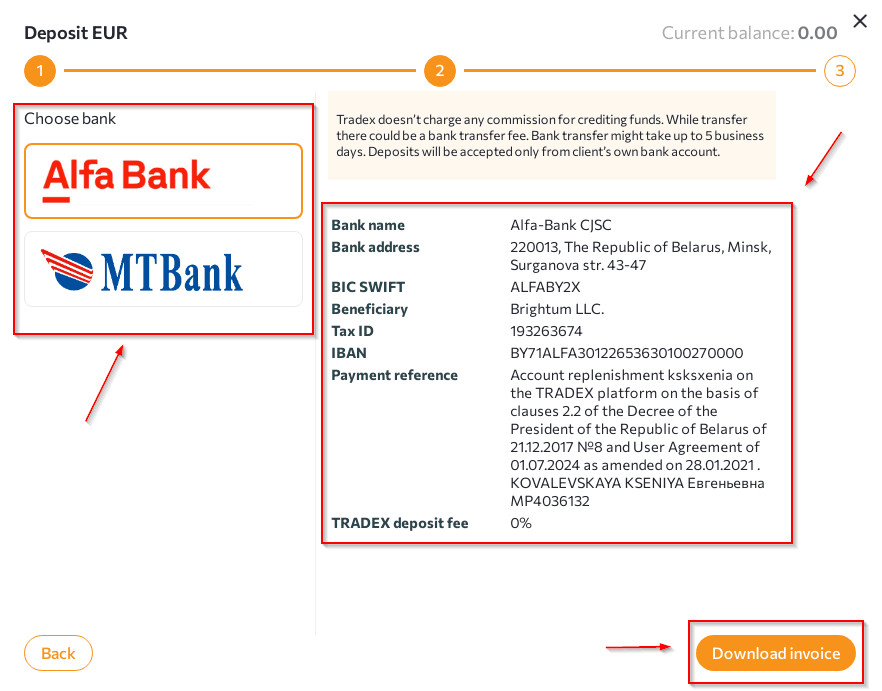
- Select the bank through which you are making the replenishment from the options offered.
 NOTES:
- funds sent by international bank (SWIFT) transfer are credited to the account within 5 banking days.
Any questions left? Write to us: support@tradex.by, or create a ticket in your TRADEX personal account through the "Help" section.