Binding a bank card
To bind a bank card, you need to:
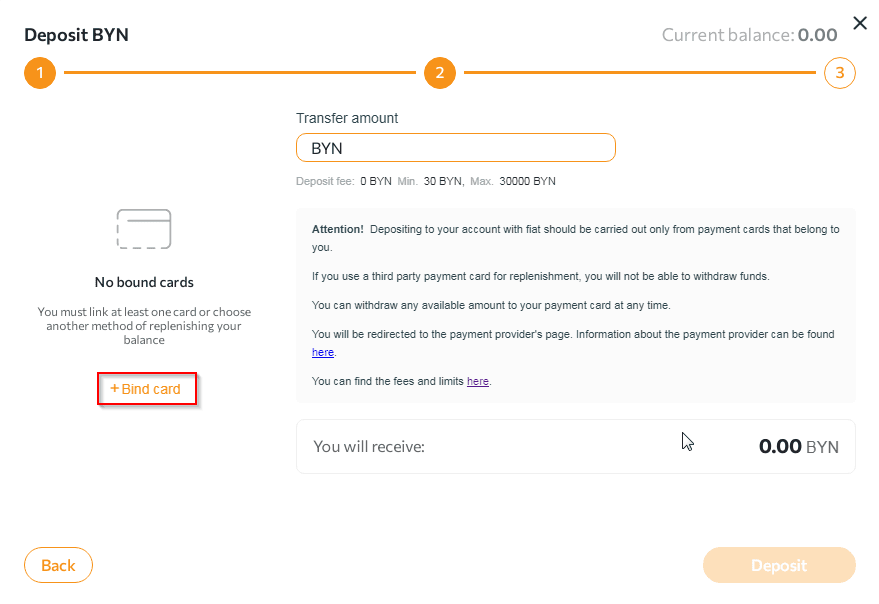
- In the window that appears, click the "+Bind card" button.
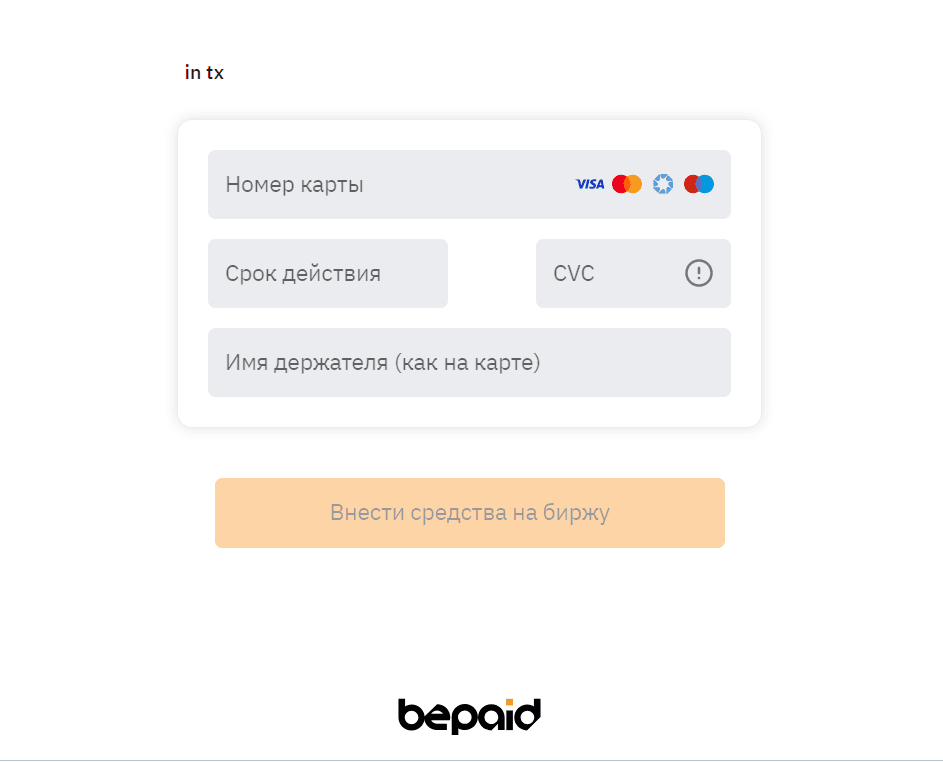
- Enter the cardholder's details in the appropriate fields and click "Bind".
- Confirm the transaction by entering the 3D-Secure received on your mobile phone number in the appropriate field.
 NOTES:
- the "Transfer amount" field indicates the amount including the commission fee. The amount that will be credited to the wallet is displayed in the "You will receive" column below the transfer amount.
- you can link several bank cards to your account.
Any questions left? Write to us: support@tradex.by, or create a ticket in your TRADEX personal account through the "Help" section.